A website is not just a digital brochure. It is a working part of your business — and its usefulness depends on what happens after the first impression.
Visual design matters. It helps people understand a brand, navigate information and decide whether a business feels credible. But design alone cannot make a website effective. A site can look impressive and still be slow, confusing, difficult to use on a phone, insecure, or hard for the business to maintain.
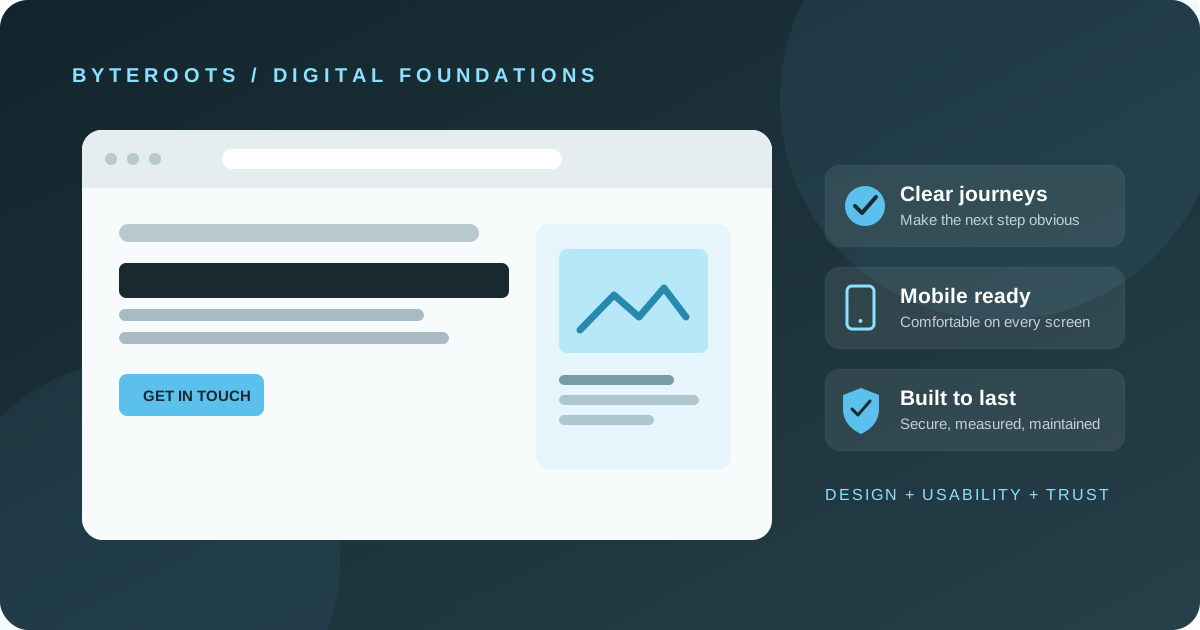
A stronger approach treats design as one part of a complete digital experience: clear content, useful journeys, dependable technology and ongoing care.
1. Make the next step obvious
Visitors usually arrive with a question. They may want to understand a service, compare options, check whether a provider is trustworthy or contact the team. The page should help them answer that question without unnecessary friction.
Use clear headings, plain language and navigation that reflects how customers think. Give important actions — such as requesting a quote, booking a consultation or finding contact details — a visible place. Avoid filling every section with competing calls to action.
2. Treat mobile usability as a requirement
People may visit from a phone while travelling, between meetings or while comparing providers. Text should be readable without zooming, buttons should be comfortable to tap, and forms should ask only for information that is genuinely needed.
Check real pages on more than one screen size. A layout that looks balanced on a large monitor can become crowded on a narrow display. Test menus, forms, phone links, images and the entire path from landing on a page to completing an action.
3. Performance is part of the experience
Large images, unnecessary scripts, heavy animations and poorly configured assets can make pages feel slow. Use appropriately sized images, load only the resources the page needs, and review performance on mobile connections as well as fast office Wi-Fi.
Performance is not a one-time checkbox. New content, third-party tools and design changes can affect it, so recheck important pages after substantial updates.
4. Build security and reliability into the basics
Use HTTPS, keep the website platform and dependencies maintained, restrict administrative access, and make backups that can actually be restored. Contact forms should be tested, and the business should know where enquiries are delivered and who can access them.
No website can be promised to be completely risk-free. The practical goal is to reduce avoidable risks, keep software maintained, and have a sensible recovery plan if something goes wrong.
5. Make the website accessible and understandable
Meaningful headings, descriptive link text, useful image alternative text, adequate contrast and keyboard-friendly navigation help more people use a site. These practices also make content easier to scan and maintain. Accessibility should be considered during design and development, not left until the end.
6. Plan for maintenance and ownership
A launch is a starting point. Over time, services change, staff details become outdated, links break and software needs updates. Decide who owns the domain, hosting, analytics, backups and administrator accounts. Keep access under the business’s control and document how routine updates are handled.
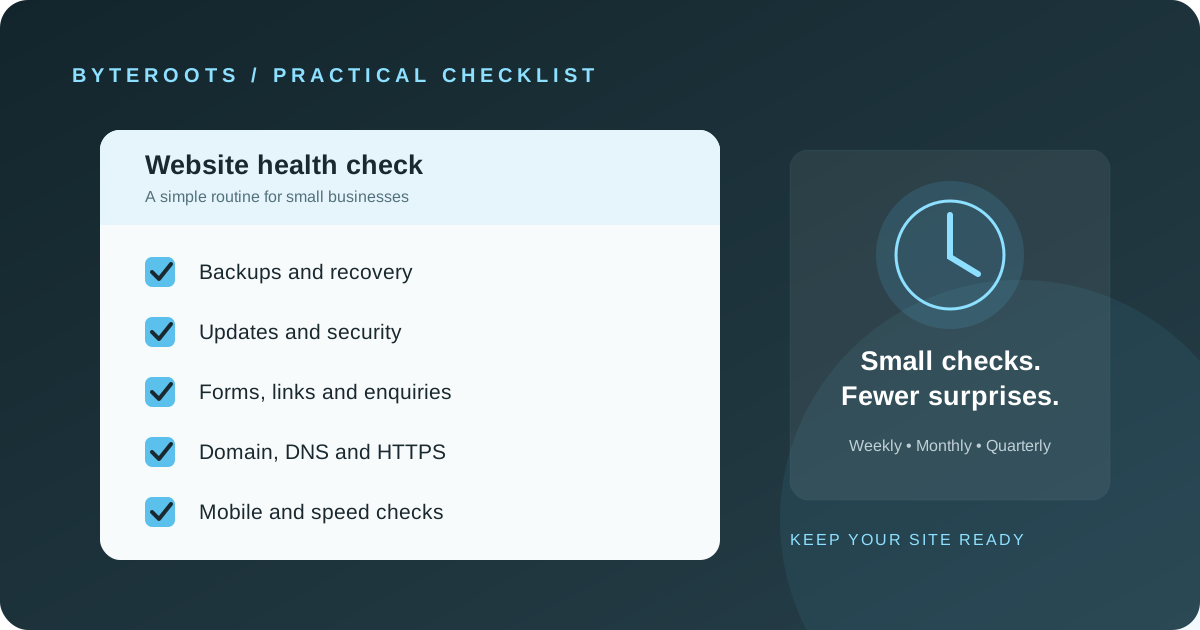
Set a regular review cadence that fits the website’s complexity. At minimum, check key forms and contact details, review backups and access, update supported software, and look for broken links or stale content.
7. Measure what the website is meant to achieve
Choose a small set of useful measures that connect to business goals. Depending on the site, these might include qualified enquiries, completed bookings, product purchases, downloads or visits to important service pages. Interpret the numbers in context; traffic alone does not prove that a website is helping the business.
Make sure tracking is configured appropriately and respect applicable privacy requirements. Use the information to identify friction and improve the experience, rather than collecting data without a clear purpose.
A practical pre-launch checklist
- Can a first-time visitor quickly understand what the business offers?
- Do the main pages and forms work on a phone and a desktop?
- Are images optimised and pages reasonably responsive?
- Are HTTPS, updates, access controls and restorable backups in place?
- Can people navigate with a keyboard, read the content clearly and understand links?
- Does the business control its domain, hosting and essential accounts?
- Is there a plan to review content, functionality and performance after launch?
Design is the beginning, not the whole system
The right website is not necessarily the one with the most animation or the longest list of features. It is the one that helps its intended audience take the right next step and gives the business a reliable foundation to build on.
Start with the business problem, make the experience clear, build carefully, and maintain what you launch. That is how a website becomes more than a polished first impression.
Foundations before acceleration.